
Telecommunications & Network Operations
One shared map for the outside plant your crews build and fix.
Give surveyors, splicers and subs one map of every cabinet, pole, chamber and closure, with the access and the survey photos on the pin. Capture the survey or the fault where you stand, and give a sub the map without a GIS login.


Every site, cabinet and fault, in one place.
Outside plant runs on finding the asset. The cabinet behind the hedge, the chamber under the layby, the pole with the locked box, the drop the as-built forgot. Too often the survey photos sit on one phone, the record is out of date, and the crew arrives unable to find or get into what they came for. So a fault takes an hour to locate that should have taken minutes, a sub is coordinated by text and turns up at the wrong pole, and the inventory system is far too heavy to hand to a field crew who just need a map. Put every site and asset on the map with its access, its survey and its history on the pin, and the office sees a fault or a survey the moment a crew captures it. Give a sub the map by a link rather than a GIS seat, and hand the ground truth off to the system of record instead of replacing it.
Map the network and its sites.
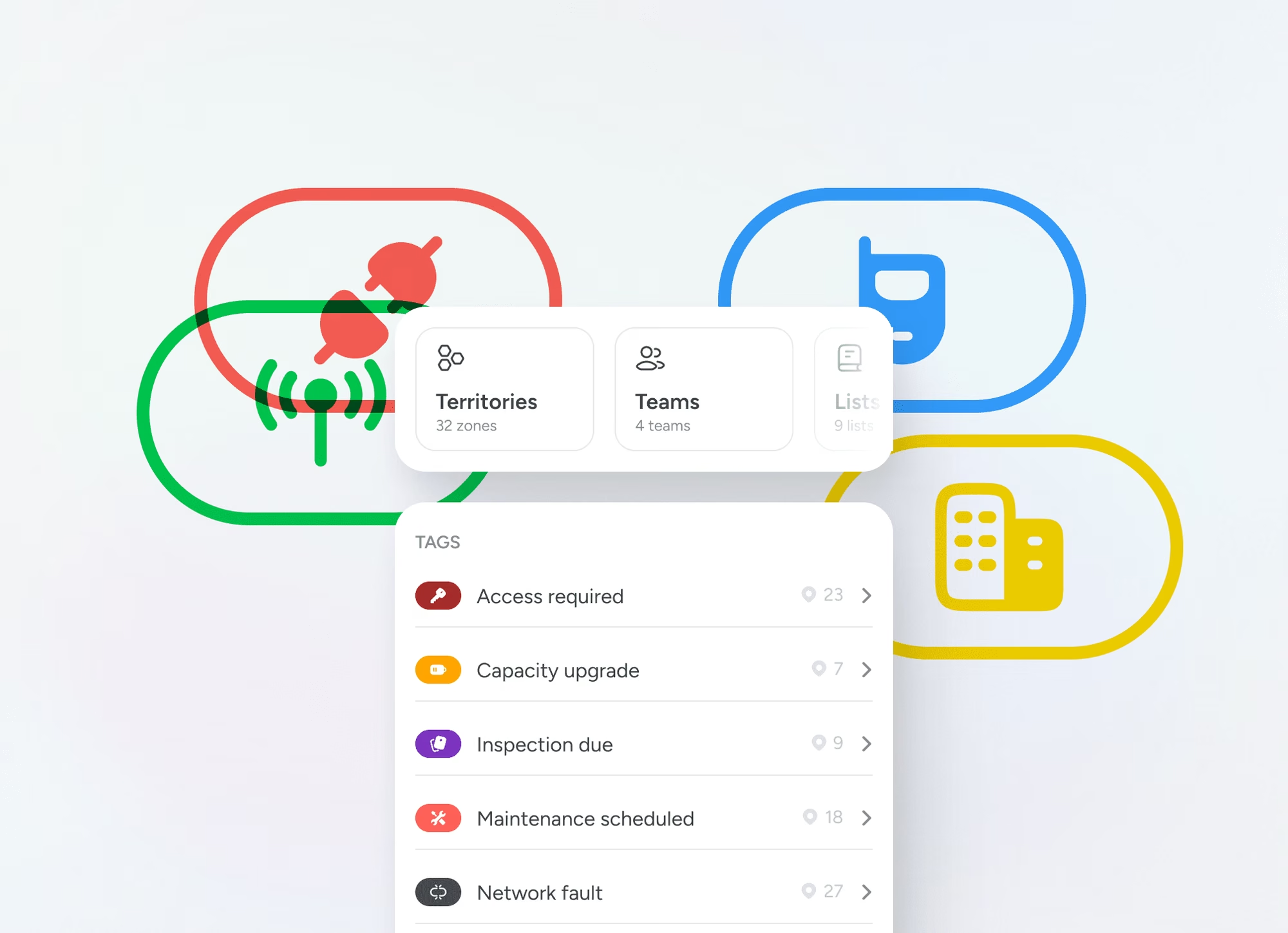
Pin cabinets, poles, chambers, closures, drops and towers across dispersed sites, each carrying its access, its survey photos and its history. The whole outside plant sits on one live map instead of scattered across phones and spreadsheets.
Log surveys and faults where you stand.
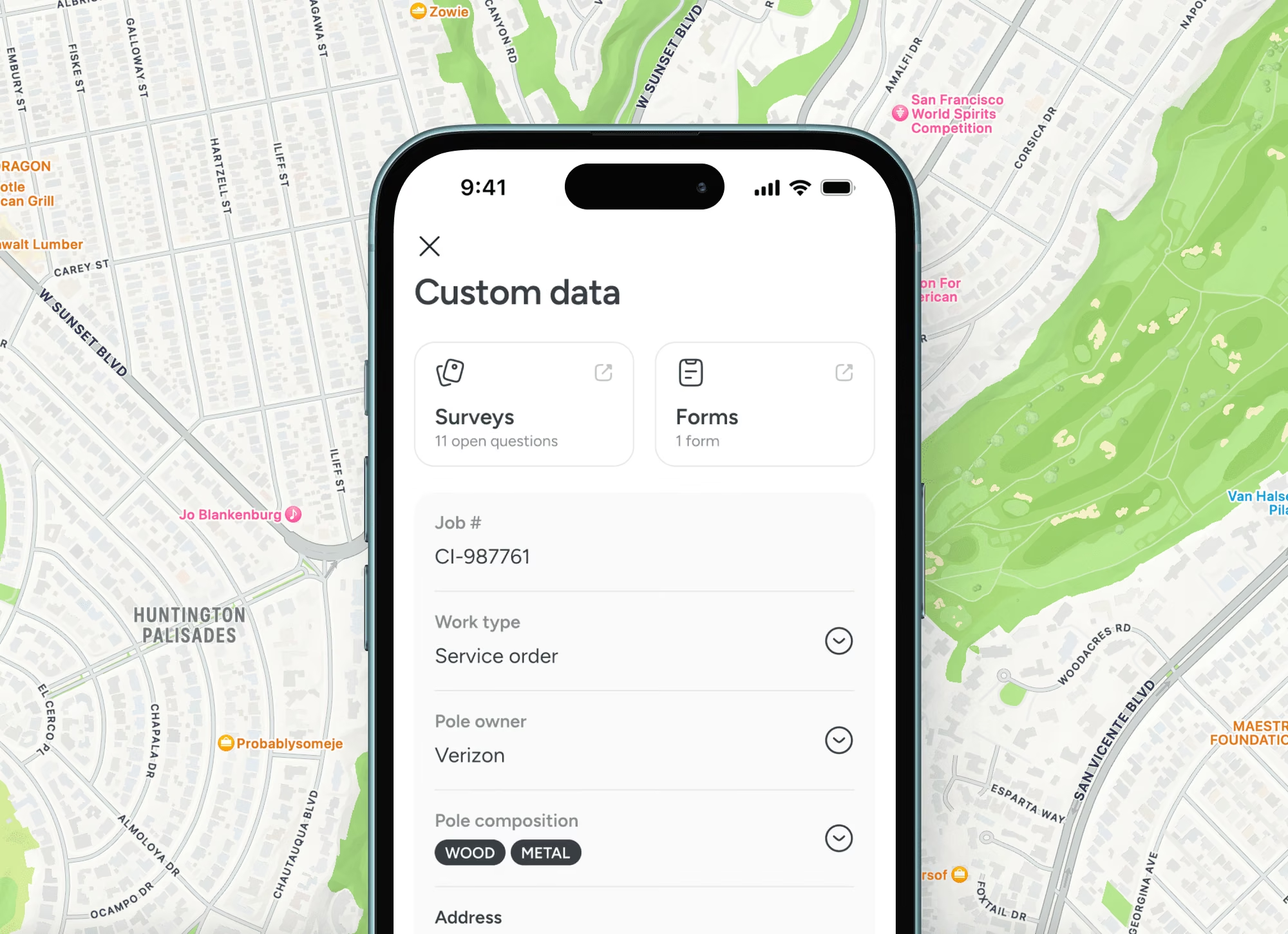
A survey, a fault or an as-built note attaches to the asset on your phone the instant a crew is there, and the office sees it live. What the surveyor saw stops living on their handset.
Coordinate crews without a GIS login.
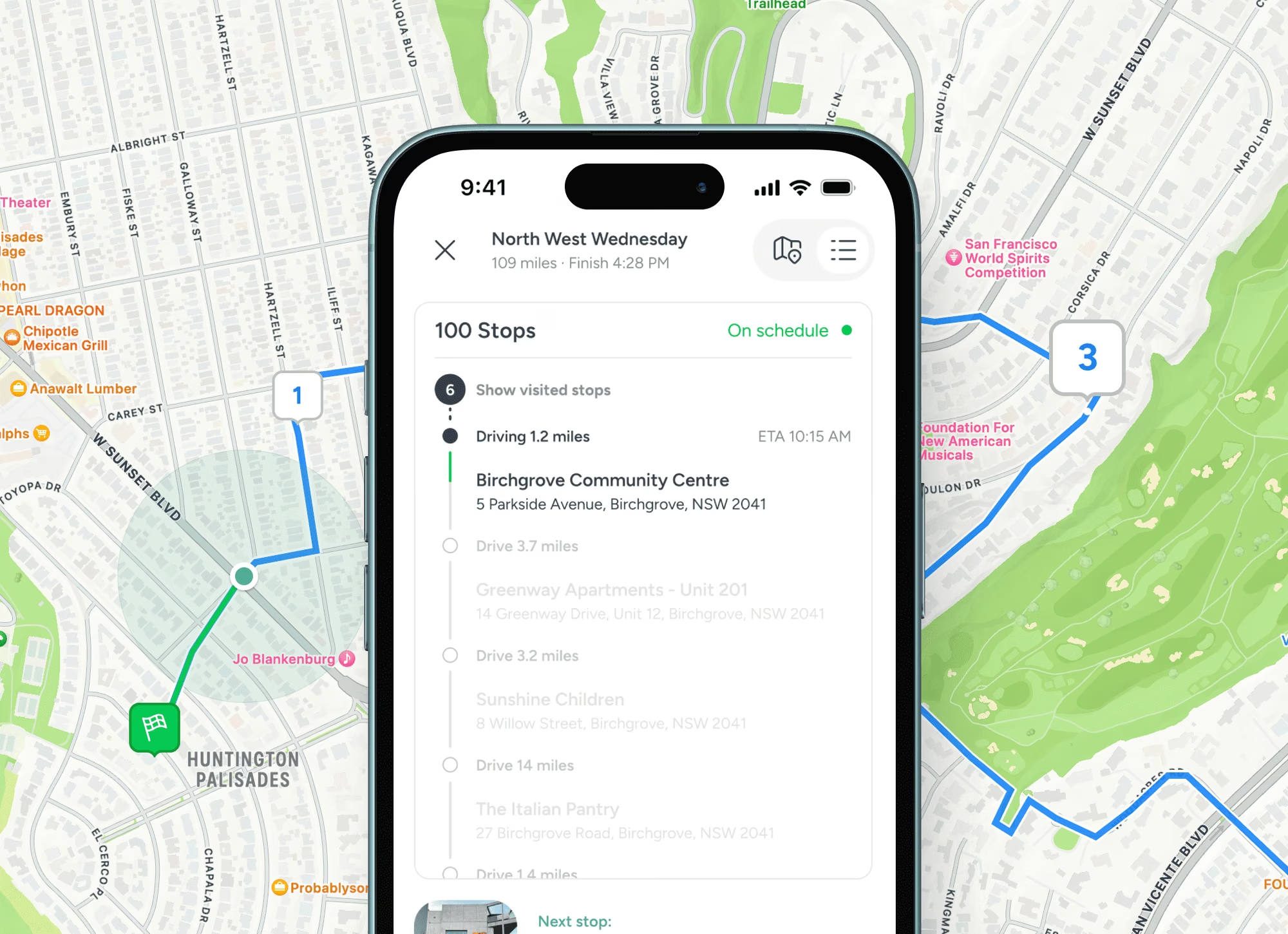
Share the map by role and give a sub a link, not a seat, so a temporary crew arrives at the right pole knowing the access. See who was there last and what they found, then feed it to your inventory of record.
Trusted at scale
Used by 10,500+ organisations.
10,000+
Verified organisations
613
At $1B+ revenue
360
10,000+ employees
17+
Sectors represented

Amazon

Nike

Adobe

Oracle

Pfizer

Nestlé

PepsiCo

Mars

Walmart

Whole Foods

M&S

Mastercard

Capital One

Barclays

AT&T

Toyota

Volvo

Bosch

Bayer

BASF

Philips

UPS

Kuehne+Nagel

BT Group

NHS

Abbott

ADP

Cargill

Veolia

Paramount
FAQS
Questions people ask
How does Pin Drop help telecoms and network operations teams?
Pin Drop turns the places your work happens into one shared map. Pin every site, cabinet or tower, add asset details, fault notes and access instructions, then share the map with the team by role so everyone works from the same picture in the office and out on site.
Can we bring our existing sites, cabinets and towers into Pin Drop?
Yes. Import your sites, cabinets and towers from a spreadsheet or another tool, organise them into shared maps and add notes, photos and visits against each pin. It syncs across mobile and desktop.
Does it work out in the field?
Yes. Engineers find the right cabinet or tower on a shared map and log faults and fixes against the pin.
Can we control who sees each site and job?
Yes. Share maps by role so each person sees the sites, cabinets and towers and detail relevant to them. Managers get the full picture while engineers see the work assigned to them.
How much does Pin Drop cost for telecoms and network operations teams?
Pin Drop is billed per seat, with a 14 day trial that takes no card. The free plan is for personal use, so business use starts on the trial or a paid plan. See the pricing page to find the right fit for your team.
Infrastructure and utilities


