
How it works
One map for all your work, shared with the whole team.
Pin the places that matter, add the detail, and share one live map that keeps itself current. On your desktop and out in the field.
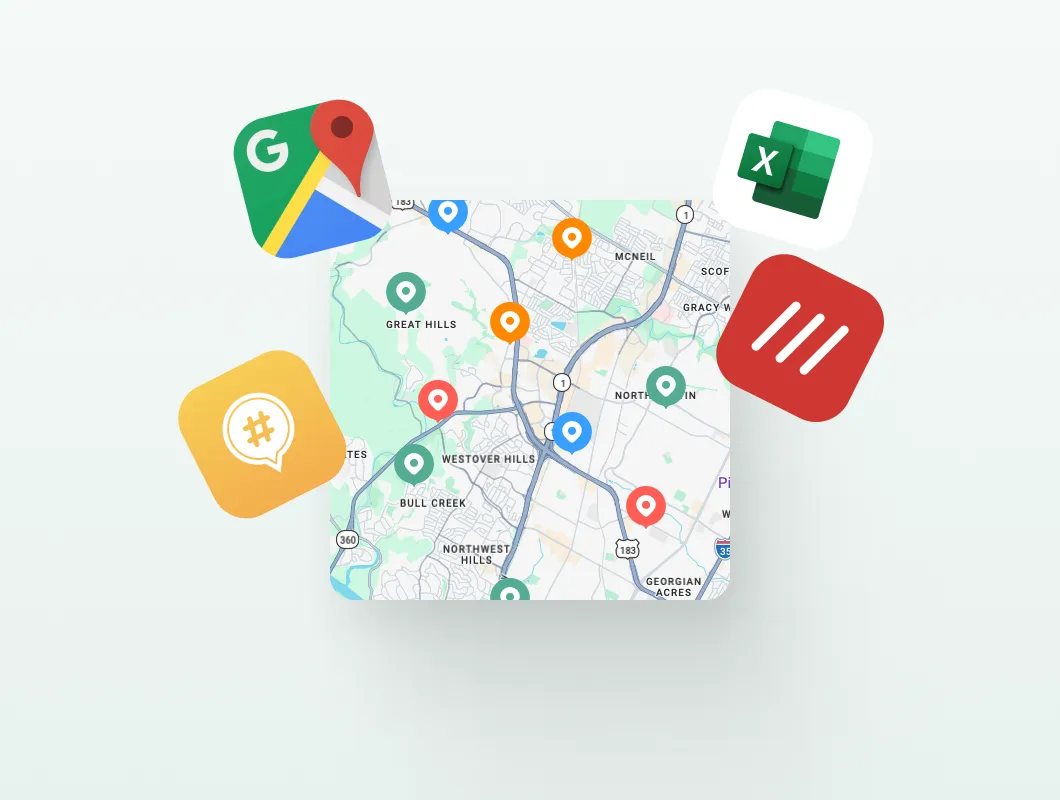
Bring everything onto one map.
Import from Mapstr, Google Maps or a spreadsheet, or drop pins as you go. In minutes every place that matters sits in one shared view.
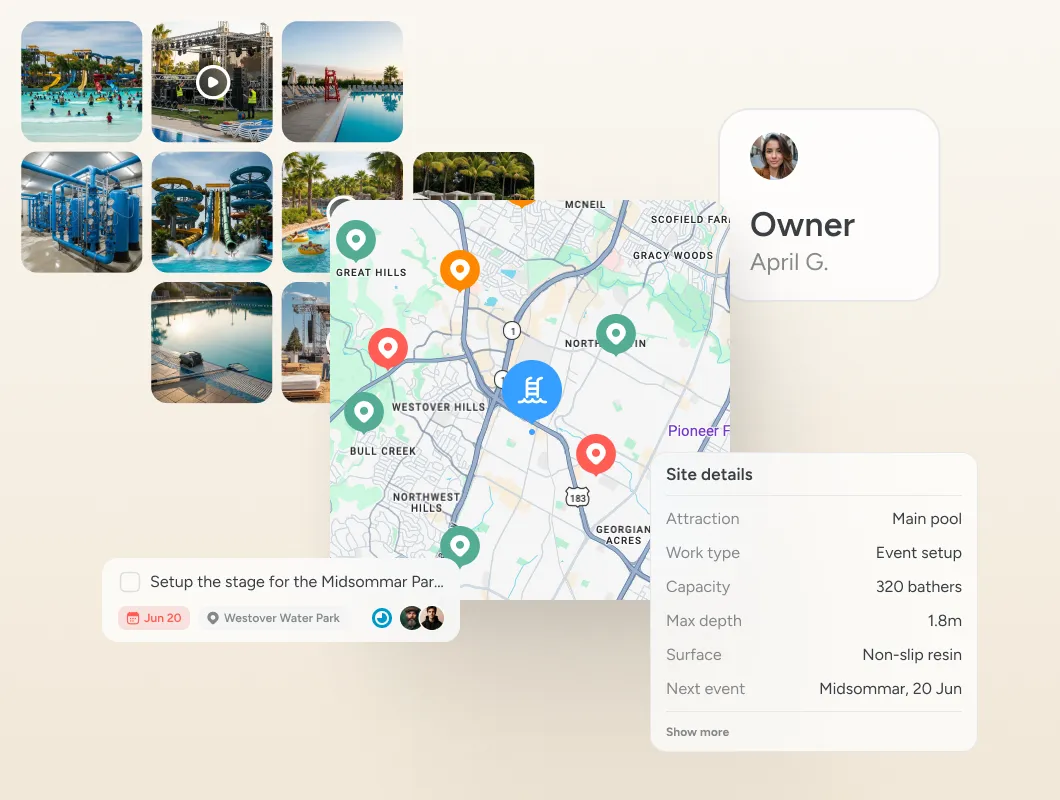
Add the detail that makes it useful.
Photos, notes, tasks, status and who owns what, on every place. Group thousands into layers and lists so anything stays a search away.
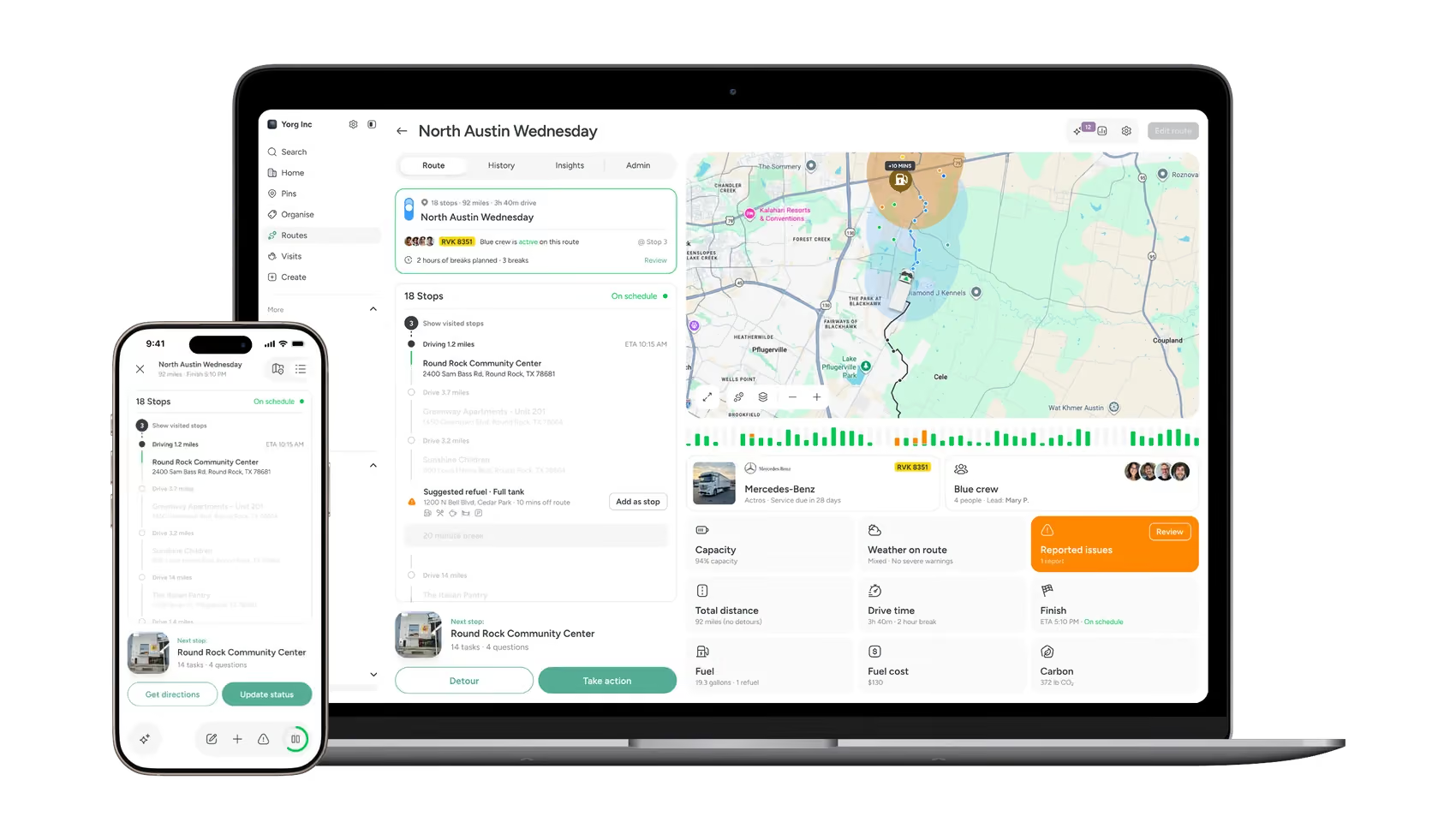
Everyone works from the same live map.
Share by role, plan the route, work from desktop or the field. When plans shift, update once and everyone sees it, so the picture stays current without anyone chasing.
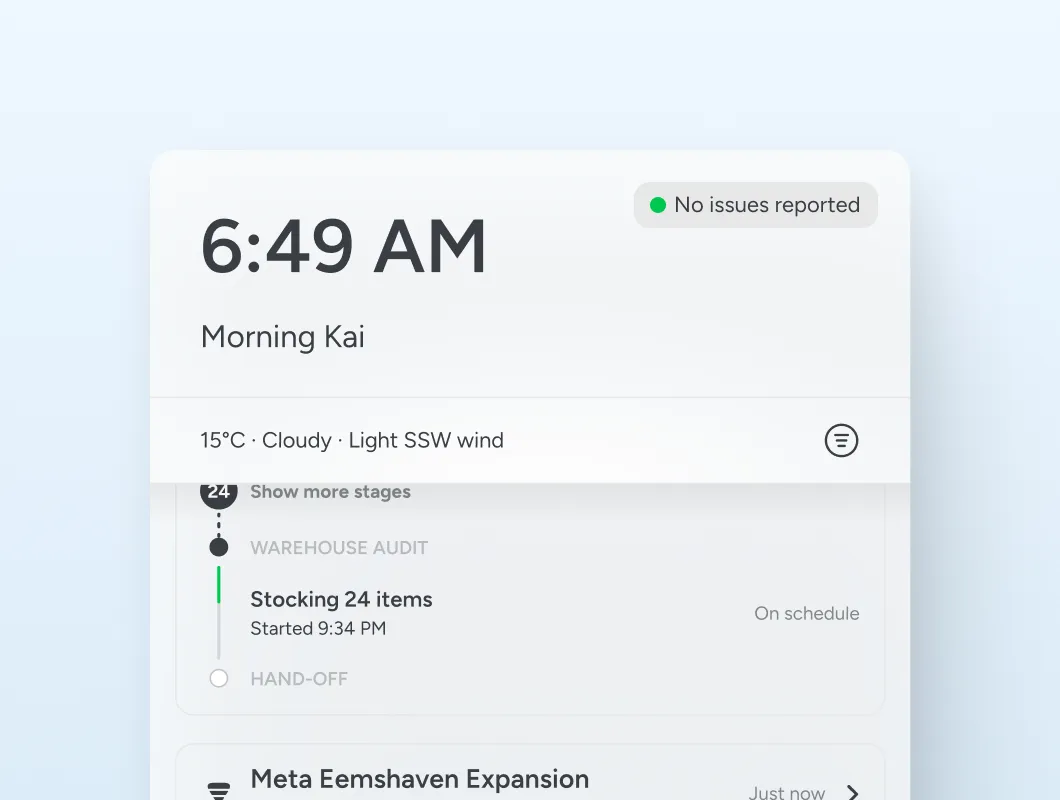
Water park or warehouse, it is the same map underneath.
Try it yourself
Have a proper look around.
You will get it faster by clicking around than reading about it. Open a live map, real places and a route, with nothing to set up.
Common questions
The things people ask us most
Does it work offline?
Yes. With no signal you can still drop pins, add notes and attach photos. Changes queue on the device and upload the moment it picks up a connection, so nobody has to remember to sync and anyone sharing the map sees the update as soon as it lands. Search and the map background work from what has already been cached, so it is worth opening the areas you need before you head somewhere without coverage.
Can I import places from Google Maps or Mapstr?
Yes. Import your existing places from Google Maps, Mapstr and spreadsheets without limits, and your data stays portable if you ever move on.
Is there a free plan?
Yes. There are free plans for personal use across travel and everyday life, and paid plans for teams that need shared maps, roles and reporting.
How is Pin Drop different from Google My Maps?
Google My Maps draws static maps. Pin Drop keeps places, visits, notes and team activity up to date together, so the map reflects what is actually happening on the ground. Pin Drop vs Google My Maps has the full side by side.
Is there a free trial?
Yes. Solo, Team and Team Pro come with a 14 day trial and it takes no card to start. The 14 days begin when you are ready to put it to work rather than the moment you sign up, so you are not burning the trial while you are still importing. When it ends nothing is charged and the account drops back to the free plan, with every pin, tag and note exactly where you left it.
What kinds of teams use it?
Teams whose work is spread across locations: field service, sales, operations, logistics, inspections and many more, across hundreds of industries. The who it's for page has a setup like yours.
Which devices does it work on?
It works on iPhone, Android and the web, with a browser extension for saving places as you go, and your map stays in sync across all of them.
How do I get help?
Get in touch and you will get a real reply from the team, normally within one business day. Support is included on every plan, including the free one. Good support is not something Pin Drop makes you pay extra for.


