Yes. Pin Drop runs in the browser at web.pindrop.it, free for anyone with an account. Web access used to be limited to subscribers and is now open to everyone.
Much the same as the app, on a far bigger screen. Anything you change is on your phone in near real time. Some things are desktop only, because they need the room: Teleport and bulk data management are the two you will reach for most.
Your browser asks for your location separately from your phone, and on a Mac the operating system has to allow the browser first. If nearby search or pin distances look wrong on the web, see location permissions.
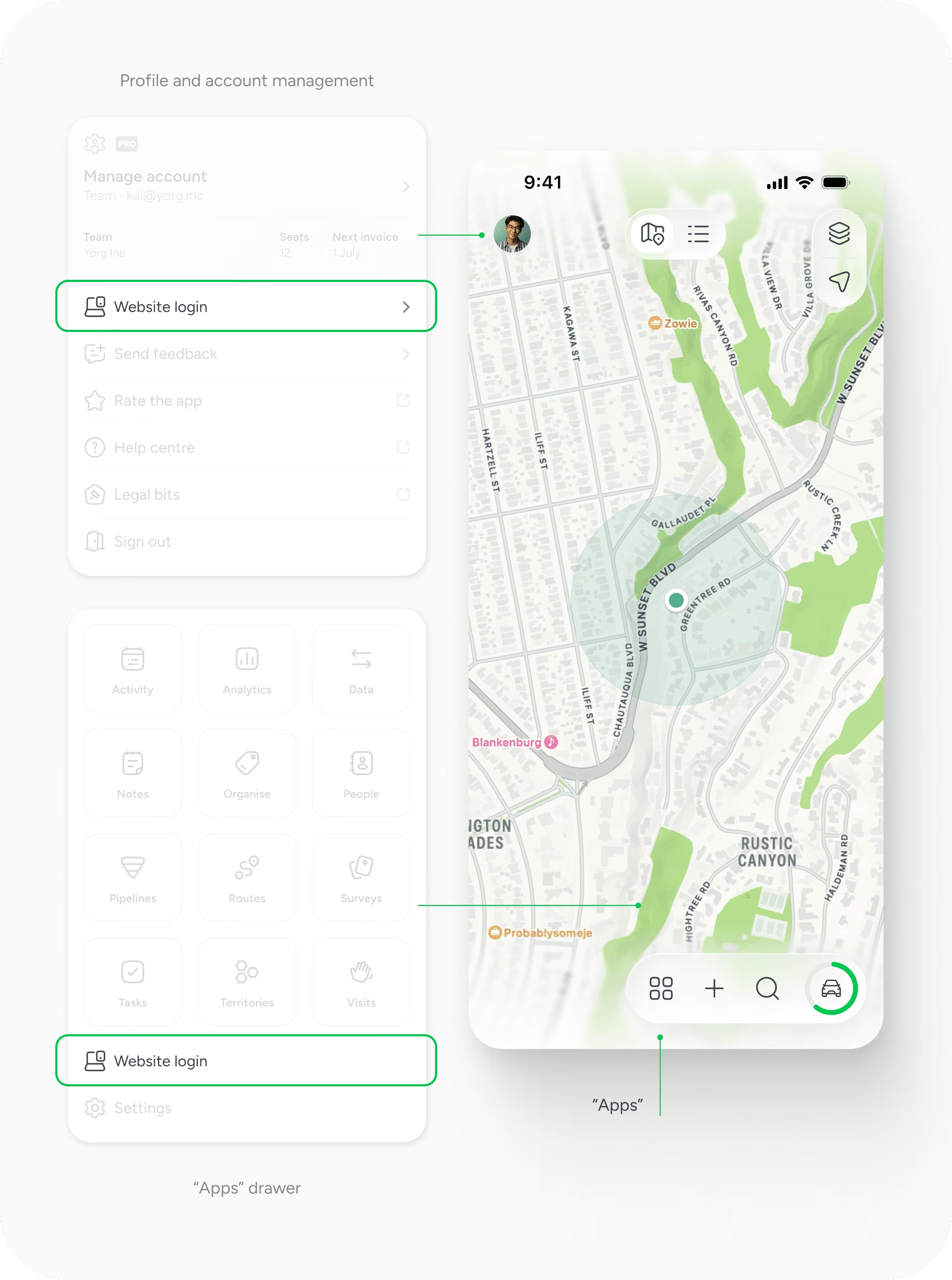
*Make sure you grant Pin Drop access permissions to your camera otherwise you won't be able to login this way.
Support
Talk to the team on our US & Canada toll-free line or our UK number.
Calls are answered by our AI assistants, Nora (US & Canada) and Ellie (UK) and recorded so the team has the details. You can also email us on hello@pindropapp.com. We aim to get back to you within one working day.
Start here
start-here
Get the apps
get-the-apps
Drop your first pin
drop-your-first-pin
Import your places
import-your-places
Organise with tags
organise-with-tags
Share with your team
accounts-access



